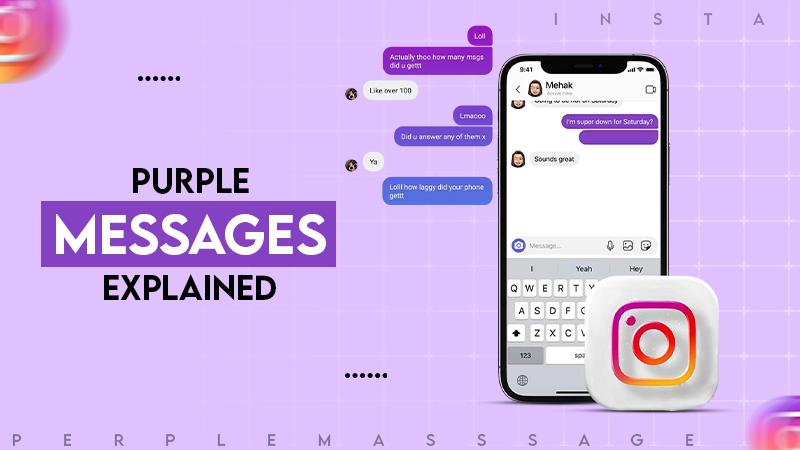
It is usually a default gradient which is introduced as part of the new messaging system by Instagram.
Blog
Why Is MY Instagram Messages Purple? A Complete Guide
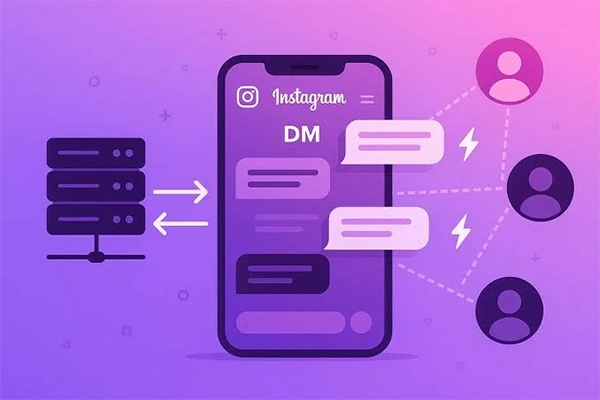
Opened your Instagram and wondered if your DMs just got filtered through a sunset? You aren’t imagining anything. Instagram’s DM inbox screen, and everything on it, including message bubbles and icons and sometimes even the background, shifts into a bright purple-pink gradient and catches everyone off guard the first time they see it.
In the latest official statement, it is clear that the chat themes also introduced vanish mode and expanded cross-app messaging with Messenger, while the color itself doesn’t have any specific meaning.
In short, the purple color is Instagram’s way of letting you know that there’s something special happening in this DM conversation. Instagram uses different shades of colors (purple, pink, orange, blue) as a background and in the letters of the message to indicate certain events and functions happening in that conversation.
The great news is that it is not a hack nor a bug, and your account is functioning normally. Let’s see why is my instagram messages purple, and what the solution could be.
What Does the Purple Instagram DM Mean?
When the DMs on your Instagram look purple, pink, or in gradient colors, it usually means that Instagram has enabled the messaging themes or has activated Facebook Messenger integration.
Various colors used in messaging have become possible when Instagram started integrating more messaging functions with Messenger. Instead of the plain blue color of the messages, the messages can now be in colorful gradients.
In most situations, purple instagram dm, indicate:
- You have some default gradient theme active for your chat
- Instagram has introduced Messenger-like messaging features in your chat
- You or the other participant selected a new chat theme
Why Your DMs Are Now Purple
If you’ve opened Instagram recently and seen that your direct messages are now purple or pink, don’t worry; this is simply a normal part of Instagram’s updated messaging. Meta has launched some colorful chat themes and Messenger-style DM features to add a modern touch to conversations. In fact, in most cases, the purple color means that your chat is using either the default gradient theme or any of the custom themes picked by you or the other person in the conversation. Here are some top reasons for having an instagram message purple.
Use of “Note” or Vanishing Mode
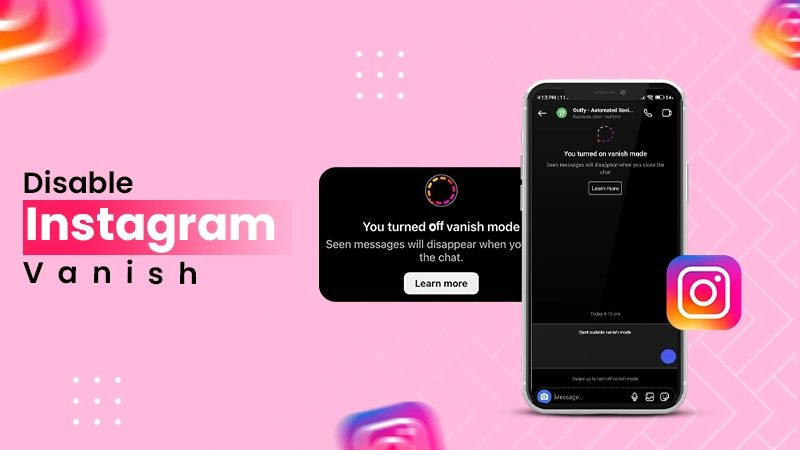
In Instagram’s Vanishing Mode, messages are deleted after being viewed, which changes your chat screen to a simple gloomy gradient theme, instagram purple chat in order to distinguish it from regular chats. The Vanishing Mode may have been turned on if you swiped up in your DMs.
Possible Solution:
Swipe up once more in the chat to turn off the Vanishing Mode and revert to the default chat background.
A Chat Theme is Set By You or Your Chat Partner
Instagram offers users the ability to use custom themes on their chats, including monotone colors, gradients, and more modern themes, where purple is among the most popular options.
Possible Solution:
Just check your chat settings, tap on the partner’s name, select Theme option and choose a different color.
Instagram Rolled Out Changes to Its Messaging Platform
This is the most common reason for having a purple Instagram dm
Instagram has a habit of rolling out updates that change the look of the direct messages. After the update is done, several users find out that they now send purple messages with a pink shade.
If so, here’s how to verify:
- Open App Store or Google Play Store
- Search Instagram
- Check for the new update
Instagram Festival Event or Feature Launch
Instagram sometimes introduces special gradient themes with promotional campaigns, new features, and seasonal events. During these events, all users get the same purple gradient in their messages.
Chatting with a verified or business account
Certain creator or business accounts may apply different color accents in their correspondence; that’s why your instagram message purple.
App Update or Cache Bug
Sometimes, a new app update may bring changes to the default colors of the app’s user interface before synchronization is done, which may result in purple colors appearing temporarily in the app until a user goes out and enters it again.
Possible Solution:
Restart the application > clear the app cache (Android: Settings > Apps > Instagram > Storage > Clear Cache), and reopen it.
Messenger Features are Active
Instagram’s “Update Messaging” feature integrated Facebook Messenger capacity into Instagram DMs. That may cause a purple dm instagram.
How to Change Back to Default Instagram Theme
If you want to know how to turn the Instagram theme back to its normal theme. Here is how to do.
- Swipe up on the conversation to check to remove Vanish Mode
- Tap chat name > Theme > revert to default
- Update the Instagram application into the latest version
- Clear app cache and restart
- Log out and log back in if the color stays the same throughout all the chats.
Are You in Vanish Mode If Your DMs Are Purple?
Not necessarily. Vanish Mode has a definite look with a dark or black background and disappearing messages.
Why Is Only One Chat Purple?
You might be struggling to know whey is only one chat looks purple. This is another question you may have. If only one conversation is purple, this usually means that:
- The other person you are chatting with has changed the theme;
- You might have unwillingly set a custom theme;
- Instagram has assigned a themed experience for a special occasion.
Please keep in mind: chat themes are shared, meaning that when someone picks a theme, both users see it.
How to Customise Your Instagram DM Theme
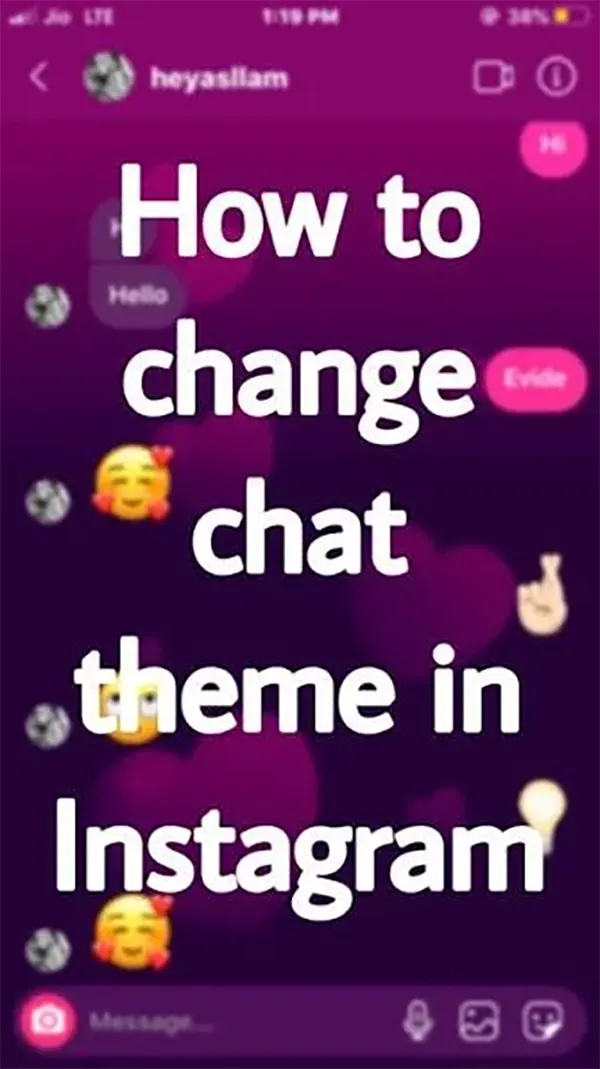
Are you bored with the same blue and white messaging? With Instagram, you can switch the shade of the different DMs with exciting patterns or solid fill that can be done in seconds. Here’s all you need to know to accomplish that in no time.
Follow the steps
- Launch the Instagram app and access your DMs (by tapping the paper plane icon that is located at the top right).
- Tap on the conversation you wish to change.
- Tap on the person’s name or profile picture at the top of the messaging section.
- Then scroll down and click on the option called Theme.
- You can browse the many colors and patterns available, but please note you can only look horizontally.
- Once you see the color scheme you want to apply, please exit the page, and it will be saved automatically.
Other Instagram DM Theme Options Available
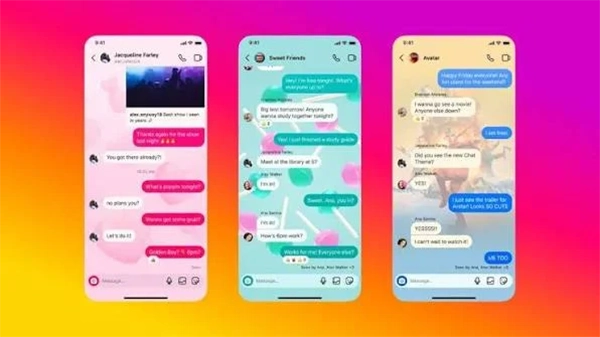
Instagram enables users to change their DM’s theme as they desire. However, it does not provide a complete color palette; there are still some more themes to change. That are
- Pride Rainbow
- Love Theme
- Purple/Pink Gradient
- Orange
- Monochrome
- Blue
- Green
- Red
What if My DMs Color Changed Overnight?
You might be surprised why my instagram messages are purple. Don’t be scared! Instagram updates its interface on a regular basis, meaning that the overall look can be modified at any time.
First Thing to Do:
- Upgrade the app
- Reboot your phone
- Open a different conversation
- Tell your friend about the purple DMs he or she is seeing
Most often, a color change has nothing to do with something serious and is simply a part of some Instagram update.
Is It Possible to Have Purple Instagram DMs on Any Account?
You might be struggling to know whether Instagram offers a purple theme to all its users. The answer is yes. But in reality, it depends on various things.
- Your location
- Version of the app you are using
- Type of your device
- If the integration with Messenger has been completed successfully
It is also important to note that Instagram is rolling out features gradually, and two users of the application can experience slightly different designs of their DMs.
Is a Purple Instagram Messages: A Matter of Security and Privacy?
In general, a purple Instagram DM is not something to be worried about in terms of security and privacy. The purple gradient color is the result of the new DM features being implemented on Instagram and the Messenger app. This color does not indicate that there has been a breach, hacking, or surveillance on your Instagram account. The color only serves to change the appearance of your chat; it does not impact the actual messages sent and received. However, if the color change occurs along with some kind of unusual activity (unknown log-in notifications, messages that you could not have written, notification of changes in your account information, devices linked to your account), you should definitely check your Instagram security settings, change your password, and enable two-factor authentication.
New Instagram Messaging Capabilities After Messenger Upgrade
When the Instagram messenger get updated, it may include some kind of new feature for its users. If you are an avid user of Instagram, then you must be interested in knowing the changes that appear after the change. We have mentioned below
- Brightened chat designs – You may pick from pink, purple, or black-and-white colors for chat backgrounds.
- Emojis – Make use of several different emojis when replying to a message.
- Quick reply function – A quick response to any message you receive is achieved by swiping it.
- Forwarding messages – Send posts and other types of messages to a different chat.
- Mode of disappearing messages – Send messages that are no longer visible after the chat has ended.
- Getting together for watching videos – Watch videos on Instagram or Reels with your friend during a call.
- Enhanced video calls – New video calling features offer better control and effects.
- Personalized notification and chat options – Silence chats, use designs of your own choice, and customize messaging preferences.
How to Fix Instagram DM Color Problems
If the colors on your Instagram DM suddenly look strange or have a constant purple or pink color scheme, try the following solution:
Update Instagram –
Download the latest version of the app from the App Store or Google Play store.
Restart the app
Exit the application and launch it again to reinitialize the UI.
Switch the chat color theme
Enter the chat screen
Click the chat name → Theme → choose the Default theme or any other one.
Clear Instagram cache (Android)-
Open Settings > go to Applications > select Instagram > open Storage > select Clear Cache.
Sign out and in again
It will help to restart your messaging account.
Reinstall Instagram
Get rid of the app and install a new version that doesn’t have corrupted files.
Check your internet connection –
A weak internet connection can affect the application adversely.
Disable beta testing
If you are using a beta or test version of Instagram, you should switch back to the stable public release.
Restart your smartphone
Restarting your phone will solve minor issues related to the application.
Contact Instagram
If the above-mentioned tips did not help you solve your problem, go to Settings > Help
Final Word
Instagram’s purple messages are not an error or a warning but rather part of the company’s modern messaging functionality inspired by Messenger. Different themes, such as the automatic gradient theme or a specific theme, can make the DMs purple. Knowing how DMs work will help customers avoid needless concerns and control the way they communicate with others. Instagram DMs are a more complex platform that now provides special opportunities for branding for businesses. If you notice purple or unusual behavior, one of the various solutions, such as changing the theme, removing the cache, updating the application, or reinstating Instagram, will normally solve the problem.
FAQ
Why is my Instagram DM in purple and pink?
Can I revert my purple DMs back to blue?
Yes, tap on the conversation → Themes → select the Default or any other theme.
Why has only one person’s message turned purple?
Because it is a chat theme that enables both users to change their theme.
Does purple DM mean you have been blocked?
No, being blocked does not affect the color of your messages.
Why are my friends’ colors in blue while mine are in purple?
Due to many versions of the app, regions, or options for preferences, users may see different colors.
Related Post's